
Download uTorrent Remote APK – uTorrent Remote, Android, Torrent Control, Mobile App, Remote Access, Free Software
Overview
uTorrent Remote is an Android application designed to provide remote control over a desktop uTorrent client running on Windows or macOS. The software enables users to monitor and manage their torrent downloads from anywhere, using their mobile device. It serves as a bridge between a desktop torrent client and a mobile interface, allowing for real-time tracking of active, completed, and seeding torrents. The app is particularly useful for individuals who rely on uTorrent for large file transfers, media downloads, or ongoing seeding activities and need to manage these tasks while away from their primary computer.
Target users include both casual and advanced torrent users who value convenience and accessibility. The software is especially beneficial for those who frequently travel or work remotely but still need to oversee their download queues. It also supports users who want to add new torrents on the go without returning to their desktop. The app does not include a desktop client and requires an existing uTorrent installation on a PC or Mac to function.
While the developer is not explicitly named in the provided details, uTorrent Remote is associated with the uTorrent ecosystem, known for lightweight and efficient torrent management. The application operates under a free model, making it accessible to a broad audience. Real-world use cases include managing large media file downloads, pausing or resuming torrents during peak network hours, and adding new torrents from mobile devices while commuting or at work.
Key Features & Capabilities
- Remote Torrent Management – Access and control all active, completed, and seeding torrents from an Android device. Users can pause, resume, delete, or view individual files within a torrent.
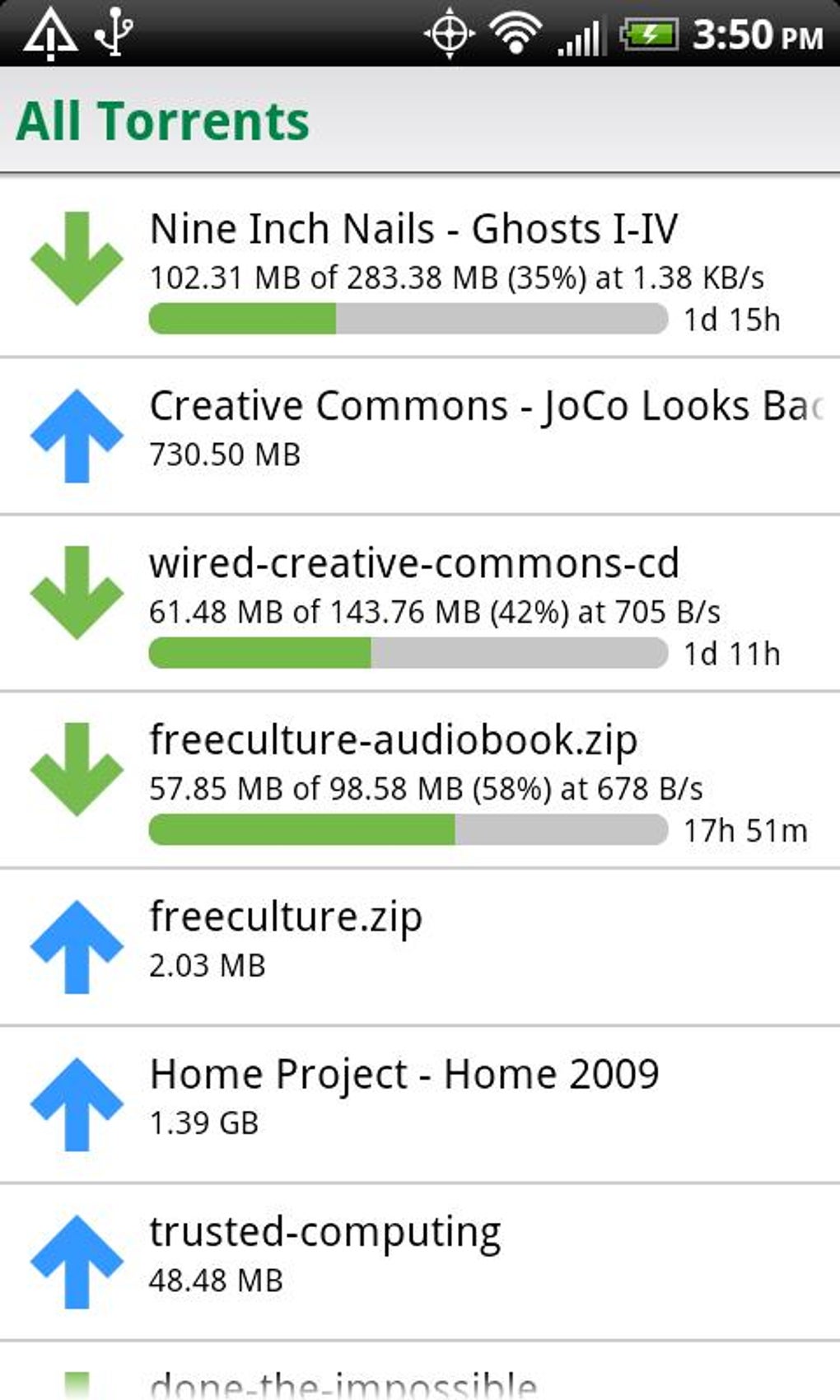
- Real-Time Monitoring – View the status of downloads, including progress, upload/download speeds, and remaining time, directly from the mobile interface.
- Quick Torrent Addition – Add new torrents by entering a magnet link or URL directly from the app, enabling on-the-go download initiation.
- Label and Feed Organization – Access and manage labels and feeds set up in the desktop uTorrent client, maintaining consistent file organization across devices.
- Network Usage Control – Configure upload and download speed limits, and enable or disable data transfer over 2G and 3G networks to prevent excessive mobile data usage.
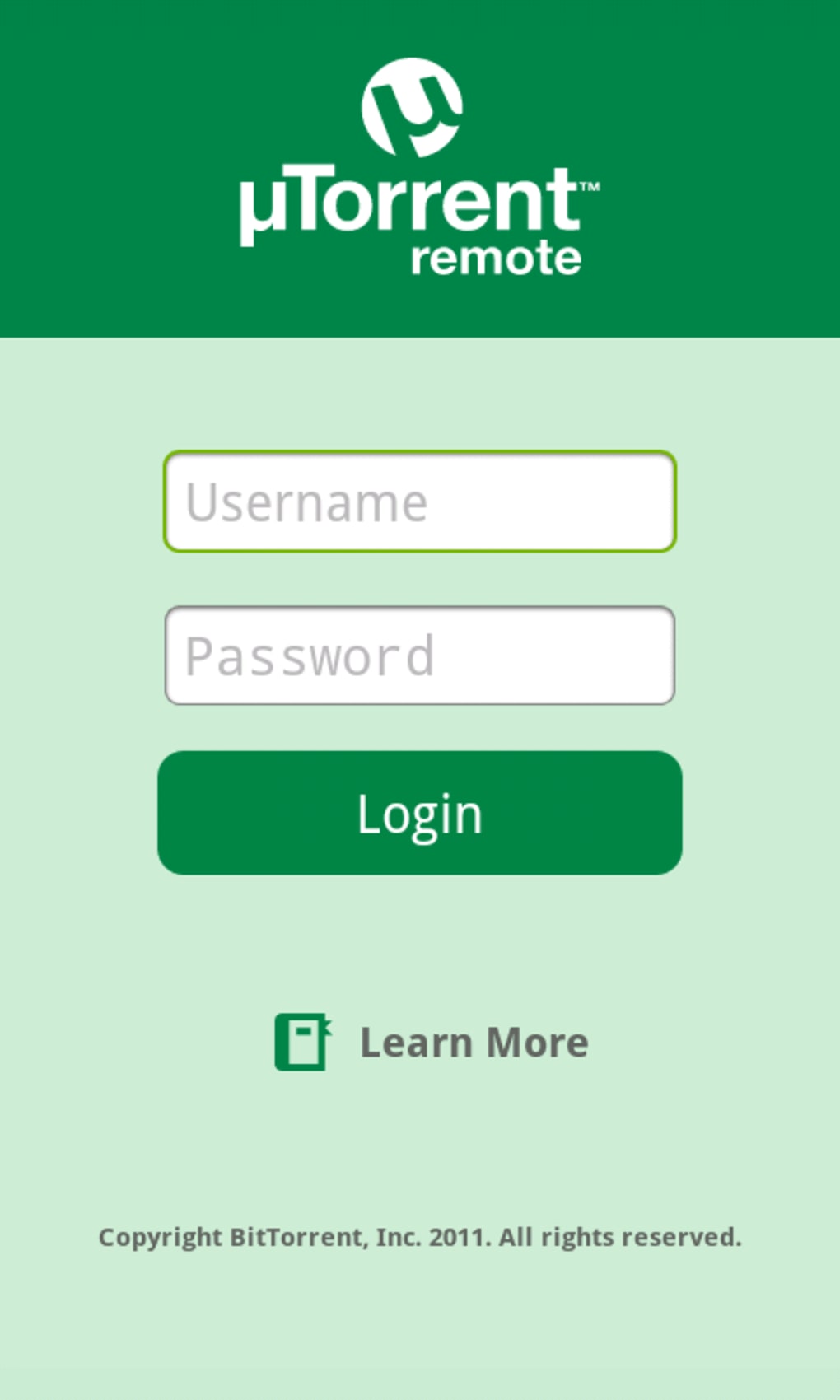
- Account-Based Access – Secure access to the desktop client is achieved through a username and password set within the desktop uTorrent preferences, ensuring only authorized users can control the client remotely.
These features allow users to maintain full oversight of their torrent activities without being physically near their computer. For example, a user can pause a download during a data-heavy period, add a new torrent while at a café, or check the completion status of a large media file before returning home. The app’s integration with the desktop client ensures that all changes are reflected in real time, preserving synchronization and workflow continuity.
User Interface, Workflow & Performance
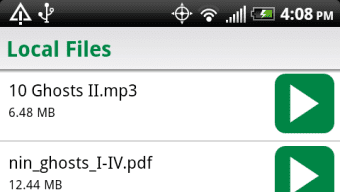
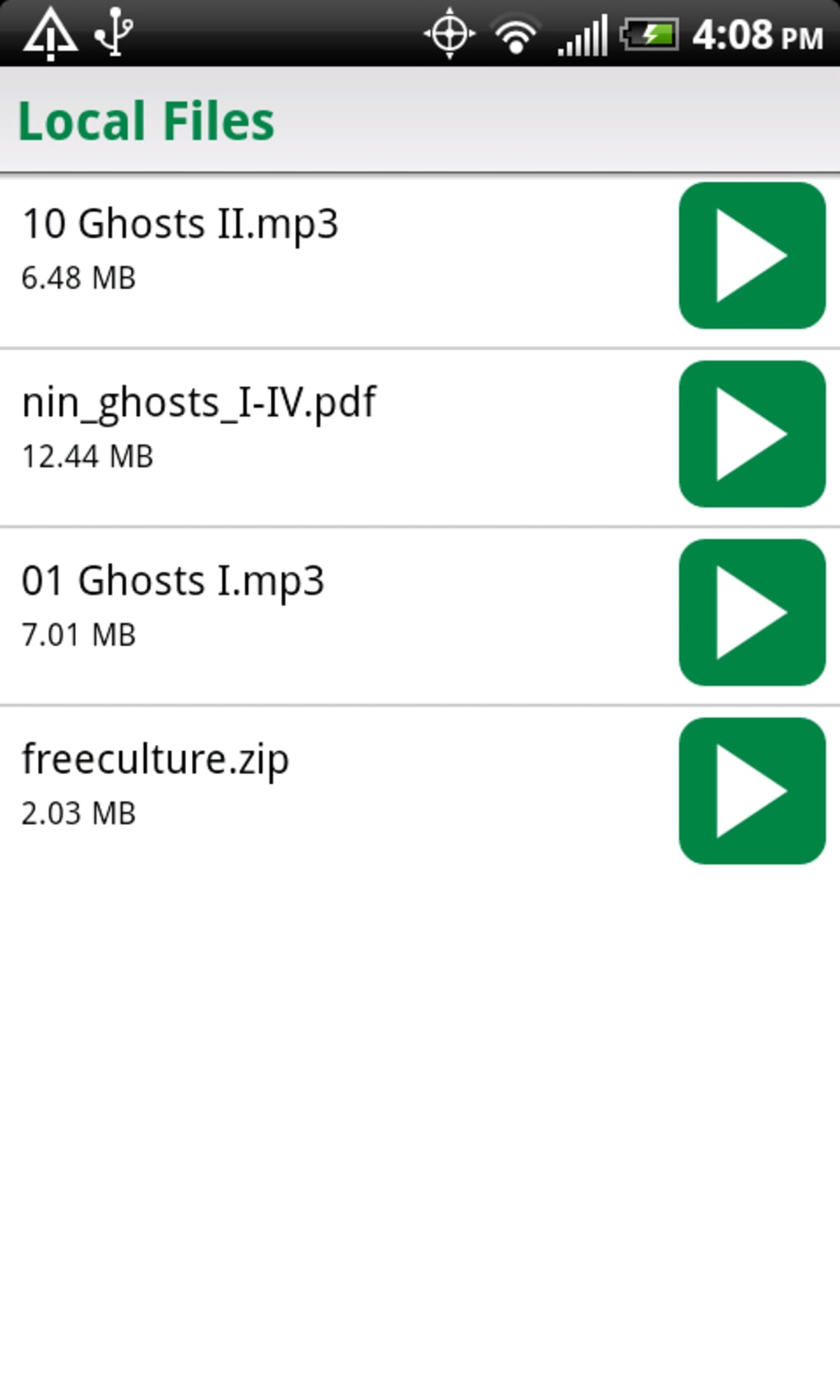
The user interface of uTorrent Remote is designed with simplicity and clarity in mind. The main screen displays categorized lists of torrents—active, completed, and seeding—each clearly labeled and visually distinct. Navigation is intuitive, with tab-based access to different sections, allowing users to quickly switch between download statuses. The layout is optimized for mobile screens, ensuring that essential information is visible without excessive scrolling.
Workflow efficiency is high for basic tasks such as pausing or resuming downloads, viewing file details, or adding new torrents. The app uses minimal screen space to display critical data, making it suitable for quick checks during short breaks. However, the developer did not specify resource usage details, so performance behavior in terms of CPU and RAM consumption remains unknown. Stability may vary, as some users have reported occasional bugs, particularly after prolonged use or during network fluctuations. These issues were often resolved by re-authenticating the client or restarting the app.
General performance observations are based on typical behavior of lightweight mobile applications. The app appears to function smoothly under normal conditions, but its performance is dependent on the reliability of the connection between the mobile device and the desktop client. Any interruption in network connectivity may temporarily affect responsiveness.
Compatibility & System Requirements
uTorrent Remote is designed for Android devices and requires the uTorrent desktop client to be installed and running on a Windows or macOS system. The application does not support iOS or other mobile platforms. The exact system requirements for the Android device were not listed, but the app is described as a "tiny download" that does not consume significant memory space.
Installation size is minimal, consistent with the app’s lightweight nature. The desktop client must be configured with remote access enabled, which involves setting a computer name and password within the preferences menu. This configuration step cannot be performed directly from the mobile app, requiring users to set up the account from the desktop client first.
Compatibility information is limited to Android and the supported desktop operating systems. No details were provided regarding minimum Android version, screen resolution, or hardware specifications. The developer did not specify whether the app supports tablets or wearables.
Pros and Cons
Pros
- Free to download and use with no in-app purchases.
- Simple, intuitive interface ideal for quick access and management.
- Enables remote control of desktop uTorrent client from any location.
- Supports adding torrents via magnet links or URLs directly from the phone.
- Allows users to monitor download progress and manage files on the go.
- Lightweight installation with minimal impact on device storage.
Cons
- Requires the desktop uTorrent client to be running and connected to the internet.
- Configuration must be done on the desktop, limiting mobile setup flexibility.
- Occasional bugs reported during extended use or network instability.
- Limited settings within the Android app; most configuration is done on the desktop.
- Not available for iOS or other non-Android platforms.
FAQ Section
Is uTorrent Remote compatible with iOS devices?
uTorrent Remote is currently only available for Android devices. There is no official iOS version available.
Do I need to keep my PC on to use the app?
Yes, the desktop uTorrent client must be running and connected to the internet for the remote app to function properly.
Is uTorrent Remote safe to use?
The app uses secure authentication through a password set in the desktop client. As long as the desktop client is secured and the network is trusted, the app is considered safe for remote access.
Can I add torrents from my phone using a magnet link?
Yes, the app allows users to add torrents by entering a magnet link or URL directly from the mobile interface.
How do I update uTorrent Remote?
Updates are delivered through the Google Play Store. Users should ensure automatic updates are enabled or check for updates manually in the app store.
Final Thoughts + CTA
uTorrent Remote offers a practical and efficient solution for users who depend on uTorrent for file sharing and download management. Its lightweight design, straightforward interface, and ability to control downloads remotely make it a valuable tool for mobile users. While occasional bugs may affect reliability, the core functionality remains robust and responsive. The app’s free status and seamless integration with the desktop client enhance its appeal, especially for those who frequently manage torrents across multiple locations.
It is best suited for Android users who already use uTorrent on their desktop and want greater flexibility in managing their downloads. Whether you're checking progress on a long-running file or adding a new torrent while on the move, uTorrent Remote delivers essential control without complexity.
Download uTorrent Remote now





.png)

